Your brand
Your plate, your logo, your showroom
Cover the registration or put your own plate on the car, lay a banner over the finished photo, and hang your logo on a showroom wall. Each is saved once and picked per car.
- Plate covers and your own plates
- Banners on every photo, or one
- A studio only you shoot in
Number plates
Cover the registration, or put your own plate on.
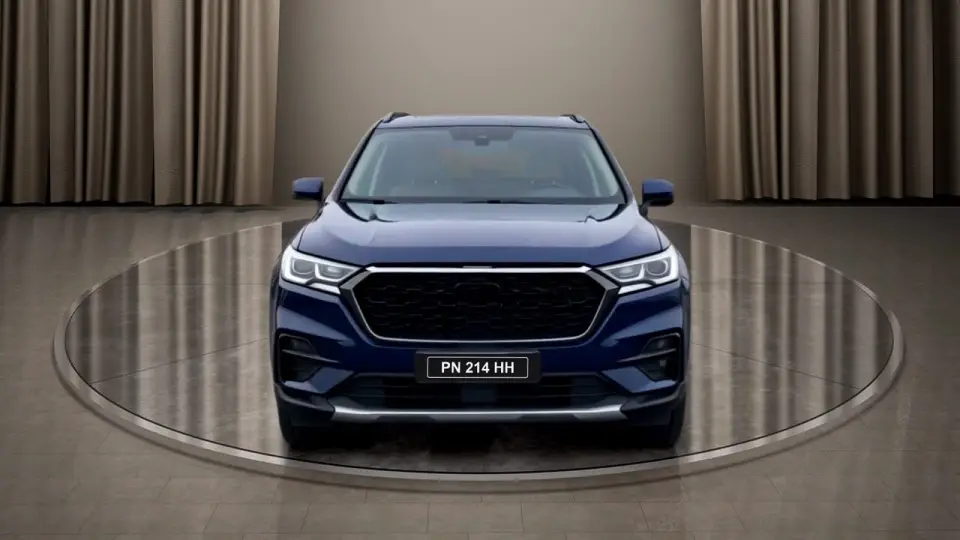
A listing does not need the car's registration on it, and your own plate says where the car is sold. Upload your dealership's plate once and pick it for any car, or choose a plain cover.
- Three choices per car: as photographed, a plain cover, or one of your plates
- PNG, JPG or WebP, kept for every car after
- Two sample plates of ours are there from the start
Banners
A banner over the finished photo.
A banner is a transparent PNG laid over the bottom of the photo: your logo, a price band, a line about the dealership. Upload it once, keep it for the next car, and switch it on per vehicle.
- On every photo of the car, or just one
- Keep up to 20 and mark one as the default
- Laid on after the render, over the finished car
Banner overlay · apply to
What it isA transparent PNG, shown over the bottom of the photo.
Where it is keptSettings → Overlays, ready for the next car.
The defaultPicked first, never switched on by itself.
Your own studio
Your logo on the showroom wall.
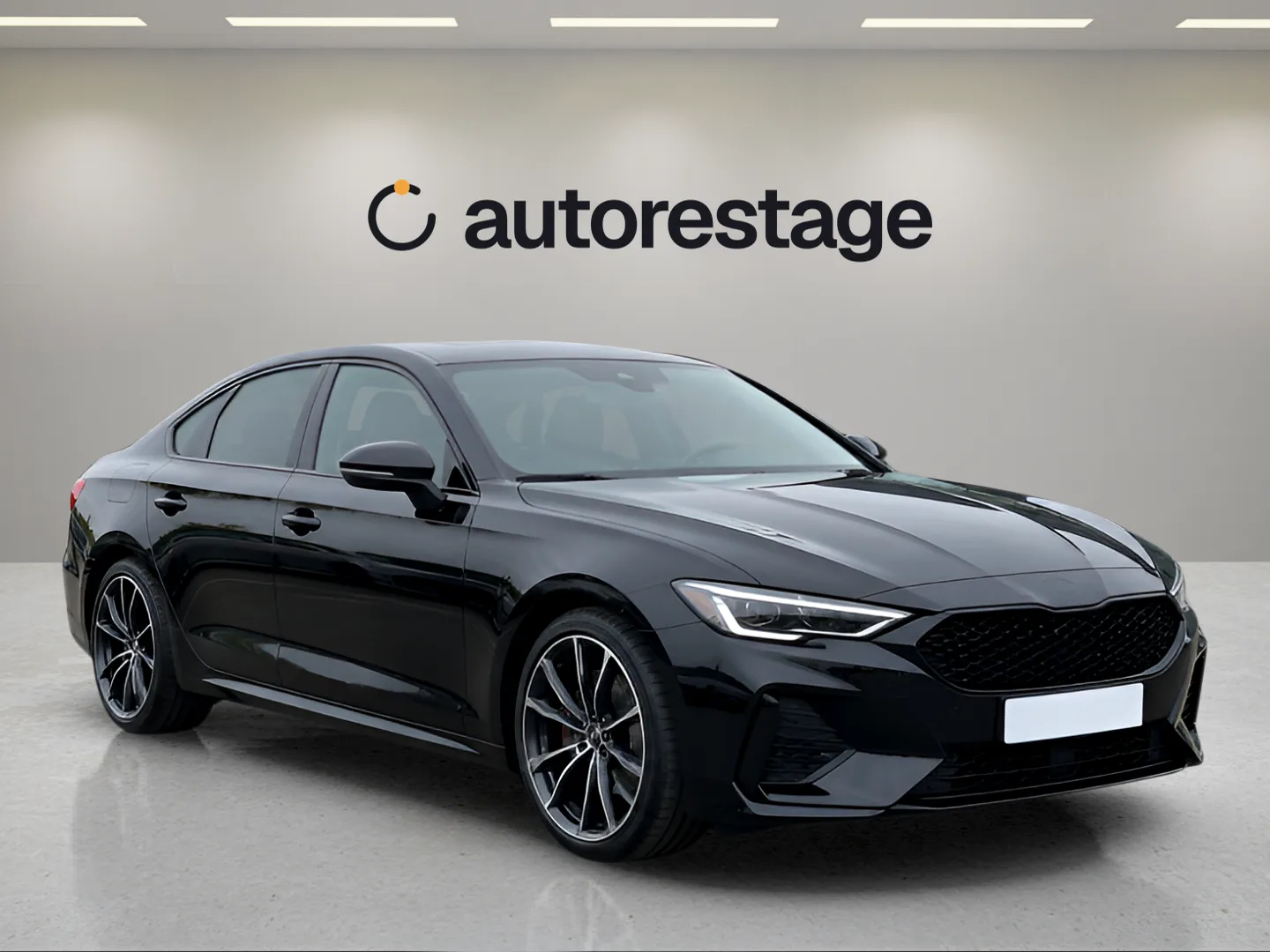
Pick one of the console's studios and add your dealership's logo. The floor, the light and the shadow stay as that studio was set up, so the car still sits right, and only your dealership shoots in it.
- 1
Pick a studio
One of the included sets with a space on its wall for a logo.
- 2
Add your logo
Upload it and see it on the wall in a live preview before it is built.
- 3
Shoot in it
It sits with your studios, and every car you photograph in it stands in a showroom that is yours alone.
What it costs
Branding is in the plan, not an extra.
Your logo, plate and banner come with every paid plan from Solo; your own branded studio from Lot. Each vehicle is still one price: up to 30 photos, a 360° spin and a video tour.
- 30photos restaged on a studio set
- 1360° spin, up to 72 frames
- 1video tour
Free trial
3 vehicles · no card
$0to start
Solo
40 vehicles a month · $39 a month
Your logo, plate and banner
$0.98a vehicle
Lot
150 vehicles a month · $119 a month
Your own branded studio
$0.79a vehicle
Dealership
500 vehicles a month · $299 a month
Everything in Lot
$0.60a vehicle
Group
1,500 vehicles a month · $699 a month
Everything in Dealership
$0.47a vehicle
Questions
Asked before the first logo.
Can I hide the number plate in my photos?
Yes. Choose a plain cover for the car and it goes over the plate in its photos, or choose one of your own plates instead.
Can I put my dealership's own plate on the car?
Yes. Upload your plate image once (PNG, JPG or WebP) and it is kept for every car after. Two sample plates of ours are there from the start.
What can a banner say?
Whatever is in the PNG you upload: your logo, a price, an offer, a line about the dealership. It is laid over the bottom of the photo, on every photo of the car or just one.
Can another dealer use my studio?
No. A studio you build with your logo belongs to your dealership; nobody else sees it or shoots in it.
Which plans include branding?
Your logo, plate and banner come with every paid plan from Solo. Your own branded studio comes with Lot and up. See pricing.
Put your name on the next car.
Three vehicles free, no card. Upload your logo and photograph a car.